Introducing MailCraft: Your Email, On Your Computer
A free, open-source desktop email client with the workflow you already know — local-first, private, for Windows, macOS and Linux.
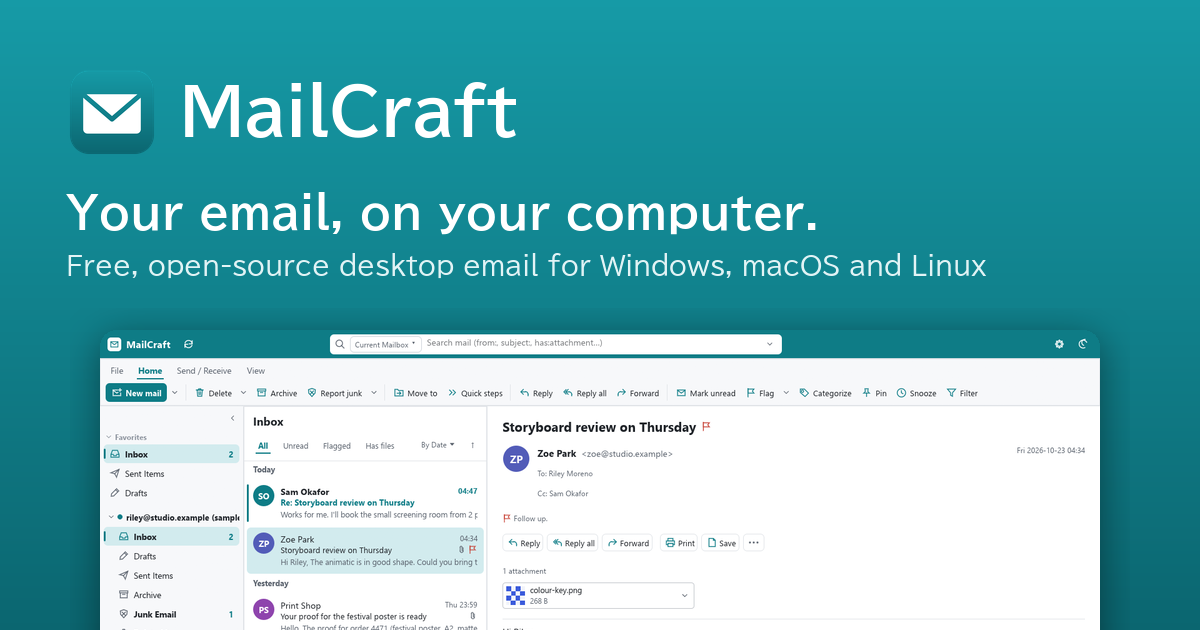
Most of the people I know still do their email the Outlook way: folders on the left, a list in the middle, the message on the right. It works. But it comes with a subscription, ads in the free version, and your mail passing through someone else's cloud.
I wanted that same workflow without any of that, so I built MailCraft: a free, open-source email client for Windows, macOS and Linux. It works with the email you already have, keeps your mail on your own computer, and talks to your mail server and nothing else.
What you can do with it today
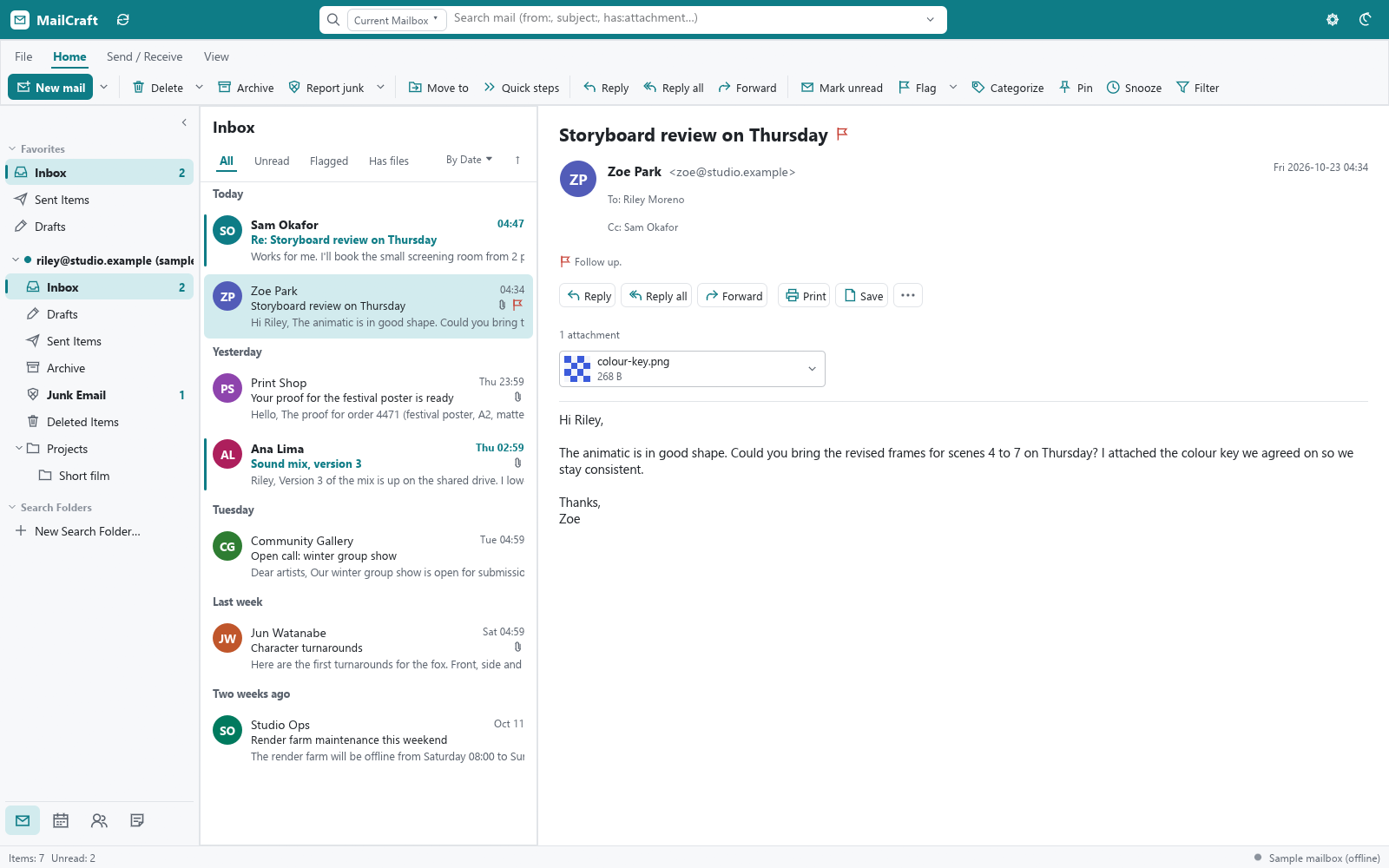
Use the email you already have. Gmail, Microsoft 365 and Outlook.com, Exchange, iCloud, Yahoo, Fastmail, or any IMAP or POP account. Usually your address is all it needs to find the settings.
Work the way you're used to. A ribbon with the everyday buttons, mail grouped under Today and Yesterday, conversations, flags, categories, Snooze and Undo, and the familiar shortcuts: Ctrl+N, Ctrl+R, Ctrl+E, F9.
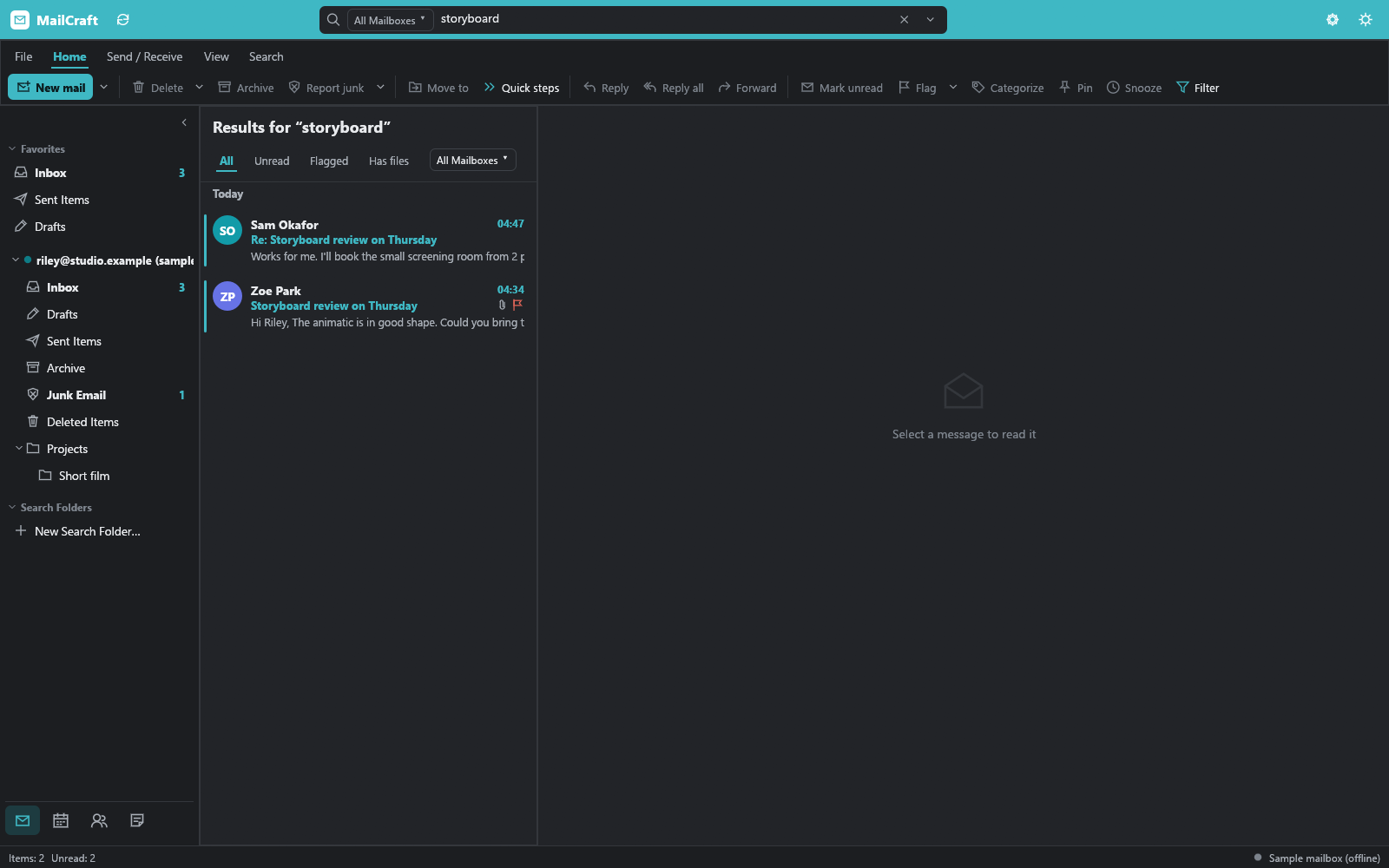
Find anything. Search every folder in an instant, or search older mail right on the server.
Keep your calendar and contacts beside your mail, with meeting invitations and reminders that pop up.
Stay organized with rules, Quick Steps, Search Folders and junk filters.
Your mail stays yours
MailCraft doesn't have a cloud of its own. It connects straight to your provider, so there is no company in the middle reading, storing or analysing your mail.
Your mail is kept on your computer, which is why it opens instantly and still works on a plane. Your password stays in your system's keychain. And pictures from the web only load when you ask, so senders can't see when you open their mail. There's no telemetry, and no analytics.
If you'd rather keep nothing on the computer at all, an account can be set to Online only: its mail stays on the server and in memory while the app runs. There's even a portable mode for running it from a USB stick.
Coming from Outlook?
You don't have to leave anything behind. Outlook data files (.pst) open directly in MailCraft, with their folders, contacts and calendar, and any account can be exported back to one if you change your mind. The switching guide walks through it, and the setup guide covers app passwords for Gmail, iCloud and Yahoo.
What it isn't, yet
MailCraft is in beta, and I'd rather say so up front:
The builds aren't code-signed yet, so Windows and macOS will ask once before opening it. The first-launch help shows what to click.
A few things aren't there yet: contact groups, spell checking, copying a whole folder, and Read Aloud.
It's a desktop app. There's no phone app.
Under the hood
For the developers reading: MailCraft is written entirely in Rust, with an egui interface. The core doesn't touch the network itself (only one layer does), which also lets the same code run in a browser through WebAssembly. The protocols come straight from their specifications: IMAP (with CONDSTORE, QRESYNC and IDLE), SMTP, POP3, JMAP, Microsoft Graph and EWS for Exchange, and CalDAV and CardDAV.
One rule comes before any feature: it must not crash. Nothing from the network is trusted, and a test runs every command in the app with garbage input to prove it.
Thank you
A lot of MailCraft came from people testing early builds and saying what was missing. Online only accounts, the portable mode and searching older mail on the server all started as GitHub issues. Thank you. Keep them coming.
Try it
Download it from mailcraft.dev. The button picks the right file for your computer.
Add your account, or just look around.
Tell me what breaks, or what would make you switch, by opening an issue on GitHub.
And if you like where it's going, a star on GitHub helps more people find it.